In today’s world, almost everything we do is connected to an online account. I use online accounts for email, social media, shopping, banking, education, work, cloud storage, and many other things. Because of this, I believe protecting online accounts should be something everyone takes seriously.
Many people think their accounts are safe because they have a password. In my opinion, having only a password is not enough anymore. Hackers use different methods to steal passwords, trick people, and gain access to personal information. The good thing is that there are several simple steps we can take to make our accounts much safer.
In this article, I will share the methods I personally consider important for protecting online accounts and keeping personal information secure.
Use Strong and Unique Passwords
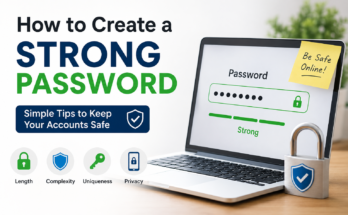
The first thing I focus on when protecting an online account is the password. A weak password can make an account an easy target. Passwords such as a name, birthday, phone number, or simple word are usually easy to guess.
I prefer using long and unique passwords for my important accounts. A strong password should contain a combination of letters, numbers, and special characters. More importantly, I avoid using the same password on different websites.
Using one password everywhere can create a serious problem. For example, if one website suffers a data breach and my password becomes exposed, someone could try the same password on my email, social media, or shopping accounts.
For this reason, I believe every important online account should have its own password.
Use a Password Manager
Remembering many strong and unique passwords can be difficult. This is where a password manager can be useful.
A password manager can store passwords securely and help create strong passwords. Instead of remembering dozens of different passwords, I only need to remember the main password for the password manager.
I also find password managers useful because they reduce the temptation to use simple passwords. When a website asks me to create an account, I can generate a long and random password instead of creating something easy to remember.
If you use a password manager, make sure you choose a trusted service and protect the main password carefully.
Turn On Two Factor Authentication
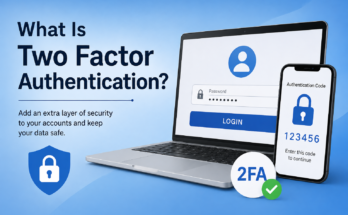
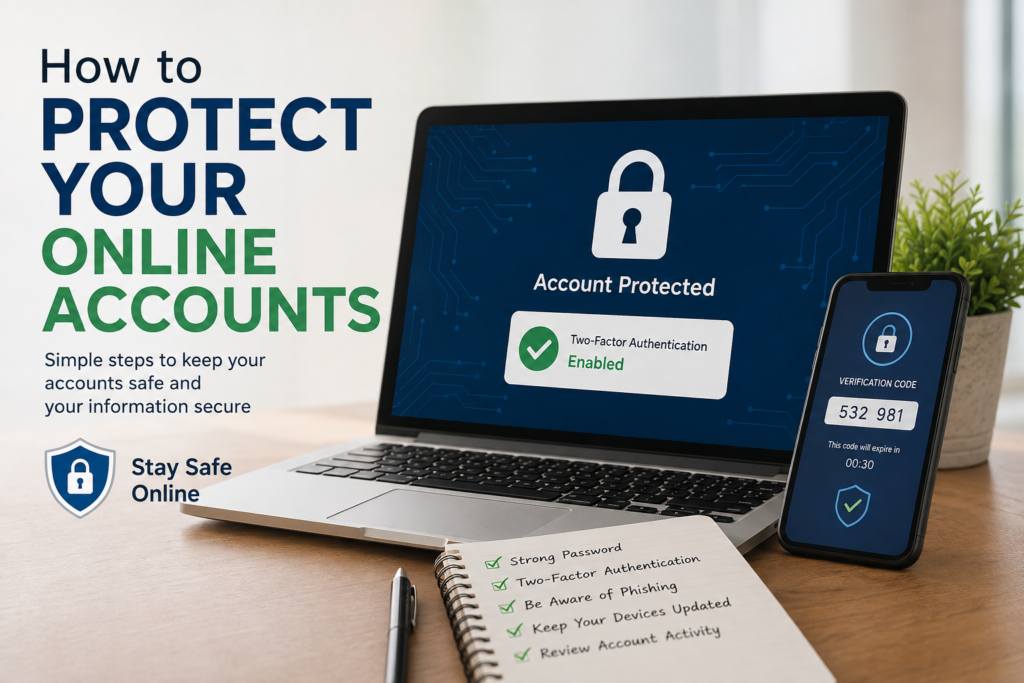
One of the best security steps I recommend is enabling two factor authentication, also known as 2FA.
Two factor authentication adds another layer of protection to an account. Normally, you enter your password to log in. With 2FA enabled, you also need another verification method.
Depending on the service, this could be an authentication app, security key, or verification code.
I think 2FA is especially important for email, financial accounts, social media, cloud storage, and other accounts containing sensitive information.
Even if someone manages to discover my password, two factor authentication can make it much harder for them to access the account.
Keep Your Email Account Secure
I consider my main email account one of the most important accounts I have. This is because many other online services are connected to email.
If someone gets access to an email account, they may be able to reset passwords for other accounts. That is why I pay special attention to email security.
I use a strong and unique password for my email and enable additional security features whenever they are available. I also regularly check account activity and recovery information.
If your email account is compromised, it can potentially affect many other accounts connected to it.
Be Careful With Phishing Messages
Phishing is one of the biggest online threats because it often depends on human mistakes rather than technical weaknesses.
A phishing message may look like it comes from a bank, social media platform, delivery company, online store, or another trusted organization. The message may ask you to click a link, confirm your password, or provide personal information.
I never enter sensitive information just because a message tells me to do it urgently. Instead, I prefer opening the official website or application directly.
For example, if I receive an email saying that my account has a problem, I do not immediately click the link in the email. I open the service myself and check whether there is actually an issue.
This small habit can prevent many security problems.
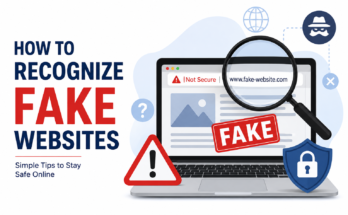
Check Website Addresses Carefully
Before entering a password or other sensitive information, I check the website address.
Scammers can create websites that look almost identical to legitimate websites. They may use similar logos, colors, and layouts to make the fake website appear genuine.
I pay attention to spelling and the domain name. I also avoid entering passwords into websites that I reached through suspicious links.
When something feels unusual, I stop and check the website before continuing.
Avoid Using Public Computers for Sensitive Accounts
Public computers can be convenient, but I avoid using them for important accounts whenever possible.
If I have to use a public computer, I never save my password in the browser. I also make sure to log out completely after using the account.
For banking, email, or other sensitive services, I prefer using my own trusted device.
Public computers may not always have the same security protections as personal devices, so I believe it is better to be careful.
Be Careful on Public WiFi
Public WiFi can be useful when traveling, studying, or working from a cafe, hotel, airport, or other public location. However, I do not automatically trust every WiFi network I see.
Some networks may be poorly secured, while others may even be created by attackers to trick people into connecting.
When using public WiFi, I avoid accessing extremely sensitive accounts unless necessary. I also make sure my device has current security updates and I avoid clicking suspicious links while connected.
If I need to perform an important financial transaction, I prefer using a trusted private connection whenever possible.
Keep Your Devices Updated
Protecting an account is not only about passwords. The device I use to access the account also needs protection.
I keep my phone, computer, browser, and important applications updated. Software updates often include security improvements that fix known vulnerabilities.
I know updates can sometimes feel annoying, especially when they require restarting a device, but I consider them an important part of digital security.
An outdated device can have security weaknesses that attackers may try to exploit.
Use Screen Locks
I also recommend protecting the physical device itself.
If someone gets access to an unlocked phone or computer, they may be able to open email, social media, cloud storage, or other accounts.
I use a secure screen lock on my devices. Depending on the device, this could be a strong PIN, password, fingerprint, or facial recognition.
I also avoid leaving my computer or phone unlocked when I am away from it.
Review Account Activity
Many online services provide a section where you can see recent login activity or devices connected to your account.
I think checking this information occasionally is a good habit.
If I notice a login from a location or device that I do not recognize, I take it seriously. I may change the password, sign out of other sessions, and review the account security settings.
Sometimes an unfamiliar login may have a simple explanation, such as a new device or different location. However, it is always better to investigate rather than ignore something suspicious.
Remove Old and Unused Accounts
Over time, we create accounts for websites and applications that we eventually stop using.
I believe old accounts should not simply be forgotten. If an old account contains personal information and has a weak password, it could become a security risk.
When I no longer need an online service, I prefer deleting the account if that option is available.
Reducing the number of unused accounts also makes it easier to keep track of where my information exists online.
Be Careful What You Share Online
Another important part of online security is controlling the information we share.
I avoid publicly sharing information such as personal phone numbers, addresses, passwords, security answers, or other sensitive details.
Even information that seems harmless can sometimes be useful to scammers. For example, publicly sharing your birthday, pet’s name, school, or other personal details may help someone guess security questions or create a convincing scam.
I try to think before posting personal information online.
Do Not Share Verification Codes
Verification codes should be treated as private information.
If I receive a login or verification code that I did not request, I do not share it with anyone. Even if someone claims to be from a company’s support team, I remain cautious.
A scammer may already know a password and only need the verification code to complete the login.
For me, the simple rule is that a verification code is meant for me and should not be given to another person.
Have a Recovery Plan
Even when we take many security precautions, problems can still happen.
I believe every important account should have updated recovery information. This may include a recovery email address, phone number, backup codes, or another supported recovery method.
I also make sure my recovery information is secure and accessible when I need it.
Having a recovery plan can make it much easier to regain control of an account if something goes wrong.
Final Thoughts
Protecting online accounts does not require being a cybersecurity expert. In my experience, the most important thing is developing a few good habits and following them consistently.
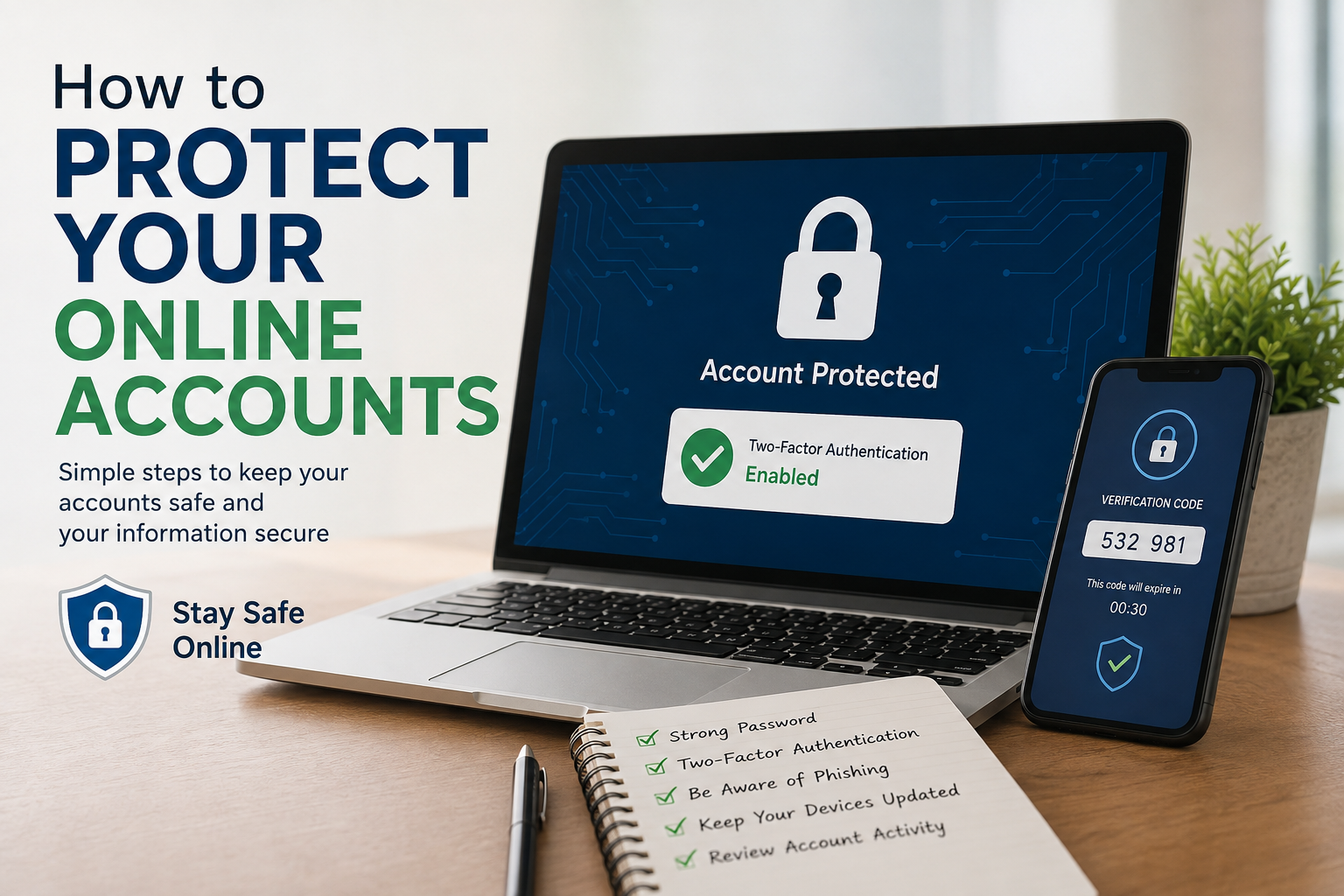
I focus on using strong and unique passwords, enabling two factor authentication, protecting my email account, avoiding suspicious links, keeping devices updated, and checking account activity regularly.
I also try to remember that online security is not something I should think about only after an account has been hacked. It is much better to take precautions before something happens.
Our online accounts contain personal information, conversations, photos, documents, financial details, and many other things that we do not want strangers to access. Taking a few minutes to improve account security today can save a lot of stress later.
For me, online safety comes down to awareness and good habits. I do not assume that a password alone will protect everything. Instead, I use multiple layers of protection and stay careful about where I enter my information.
The internet is an important part of modern life, and I believe we should enjoy its benefits while also taking responsibility for protecting our digital identity. With strong passwords, two factor authentication, careful browsing habits, updated devices, and a little common sense, we can make our online accounts much safer.