In my opinion, a strong password is one of the easiest ways to protect our online accounts. We use passwords for almost everything today. From email and social media to online banking, shopping websites, cloud storage, and work accounts, passwords are often the first layer of protection between our personal information and someone who should not have access to it.
I have noticed that many people still use passwords that are very easy to guess. Some people use their name, birthday, phone number, or a simple word that they can remember easily. The problem is that a password can be easy for us to remember and also easy for someone else to guess.
Creating a strong password does not have to be difficult. With a few simple habits, I believe anyone can create passwords that are much harder to guess. In this article, I will explain how I create strong passwords, what mistakes I avoid, and how password managers can make the whole process easier.
What Makes a Password Strong?
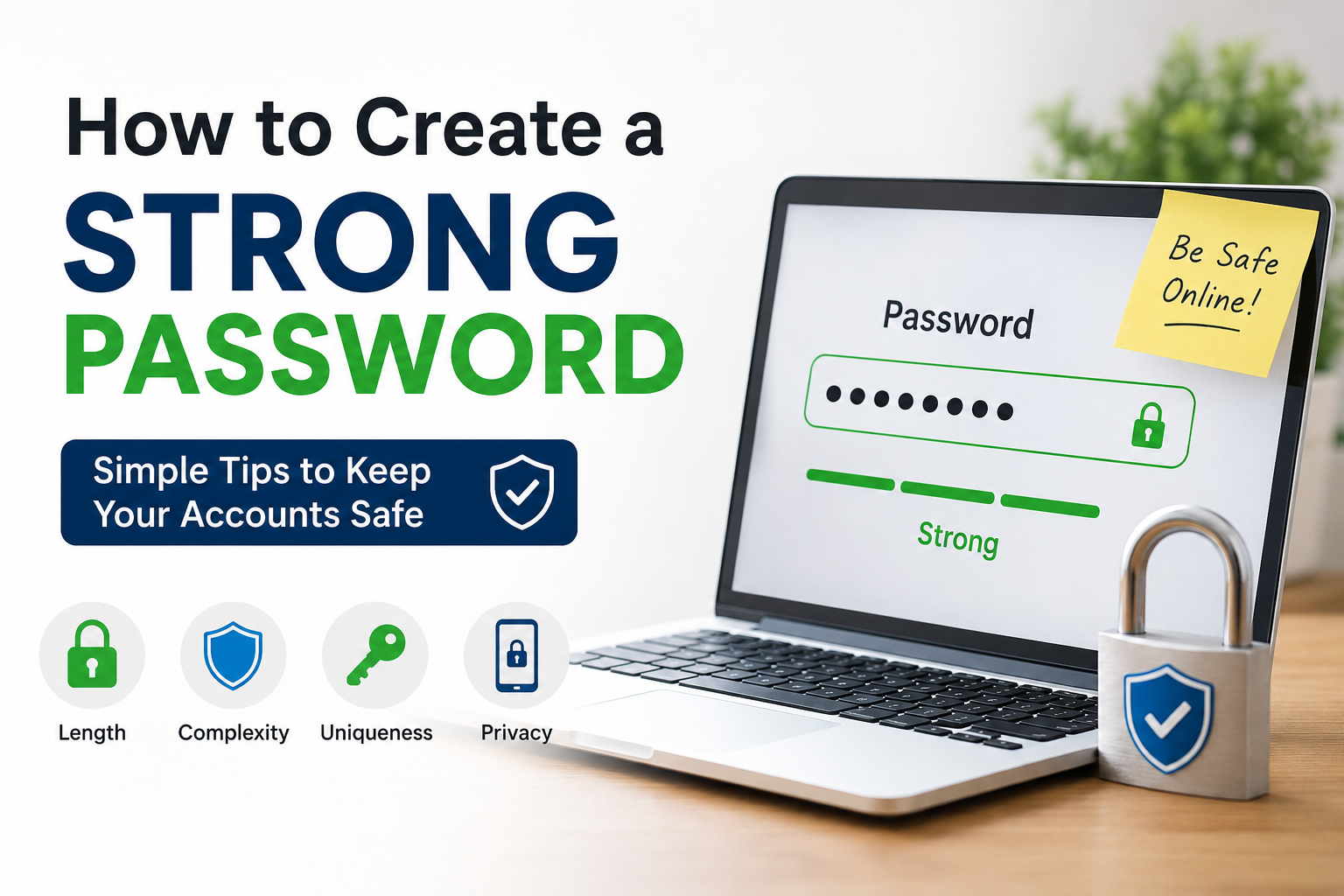
Before creating a strong password, it is important to understand what actually makes a password secure. In my view, a strong password should be long, unique, and difficult to predict.
A strong password usually contains a combination of different characters. This can include uppercase letters, lowercase letters, numbers, and special characters. However, simply adding a number or symbol to a common password does not automatically make it strong.
For example, Password123 is not a good password even though it contains letters and numbers. It follows a very predictable pattern.
A better approach is to create a password that does not contain obvious personal information or common words.
Length is also extremely important. I prefer using longer passwords because a longer password can be much harder to guess than a short one.
Use Long Passwords
One of the first things I consider when creating a password is its length. Many people focus too much on adding complicated symbols while ignoring the number of characters.
For example, a short password with different character types may still be weaker than a long and unpredictable password.
I generally recommend aiming for at least 12 characters whenever the website allows it. For important accounts, I prefer even longer passwords.
Another option is to use a passphrase. A passphrase can contain several unrelated words combined together in a way that is easy for you to remember but difficult for others to predict.
For example, instead of using a simple word such as “Sunshine123,” you could create a longer and less predictable phrase using several unrelated words.
The important thing is not to use a famous quote, song lyric, or common phrase that someone could easily guess.
Never Use Personal Information
One mistake I always try to avoid is using personal information in passwords.
Many people create passwords using their name, birthday, children’s names, pet names, favorite sports team, or phone number. Although these details may seem private, they can sometimes be discovered through social media or other online sources.
For example, if someone regularly posts about their pet named Max and then uses Max123 as their password, that password is not very difficult to guess.
I believe passwords should avoid information that can be connected to you.
Instead of choosing something meaningful to your personal life, choose something random and unpredictable.
Use a Different Password for Every Account
This is one of the most important password habits I have learned.
Never use the same password for every account.
It may feel convenient to use one password everywhere because you only have to remember one password. However, this can create a serious security problem.
Imagine that you use the same password for your shopping account, email account, and social media account. If one website suffers a data breach and your password is exposed, someone could try the same password on your other accounts.
This is why I prefer using a completely different password for every important account.
Your email account deserves special attention because it can sometimes be used to reset passwords for other accounts. I recommend making your email password especially strong and unique.
Avoid Common Passwords
Another important step is avoiding common passwords.
Passwords such as 123456, password, qwerty, admin, welcome, and similar combinations are extremely predictable. Even changing them slightly may not make them secure.
For example, changing Password to Password123 does not provide much protection because the pattern is still obvious.
I try to avoid dictionary words when they are used alone. If I use words in a passphrase, I combine several unrelated words and make the overall password much longer and less predictable.
The goal is to make the password difficult for automated guessing tools and people who may know something about you.
Add Numbers and Special Characters
Numbers and special characters can make passwords more complex.
Instead of using only lowercase letters, I prefer combining different character types when the website supports them.
For example, a password can contain uppercase letters, lowercase letters, numbers, and symbols.
However, I do not rely only on replacing letters with symbols. A common pattern such as changing “a” to “@” or “o” to “0” is widely known.
The best approach is to create a password that is both long and unpredictable.
Do Not Reuse Old Passwords
Sometimes people create a new password by changing one or two characters from an old password. I do not consider this a good habit.
For example, if your old password is MyPassword2025, changing it to MyPassword2026 does not create a truly new password.
If the old password was exposed somewhere, the new variation may also be easier to guess.
Whenever possible, I prefer creating a completely new password rather than modifying an old one.
Consider Using a Password Manager
Remembering a different strong password for every account can be difficult. This is where a password manager can be useful.
A password manager can generate strong random passwords and store them securely. Instead of remembering dozens of passwords, you usually need to remember one strong master password.
I find this approach much easier than trying to create and remember every password manually.
A good password manager can also help identify weak or reused passwords and encourage you to replace them.
When choosing a password manager, I would look for a reputable service with strong security features, encryption, and a good reputation for protecting user data.
Turn On Two Factor Authentication
A strong password is important, but I believe it should not be the only protection for important accounts.
Two factor authentication, commonly called 2FA, adds another security layer.
When 2FA is enabled, logging in may require something in addition to your password. Depending on the service, this could be an authentication app, security key, or another verification method.
This means that even if someone somehow obtains your password, they may still be unable to access your account.
I recommend enabling 2FA on important accounts whenever it is available, especially email, financial services, and other accounts containing sensitive information.
Be Careful When Entering Passwords
Creating a strong password is only part of the job. We also need to be careful about where we enter it.
Phishing attacks can trick people into entering their passwords on fake websites that look similar to legitimate services.
Before entering a password, I always recommend checking the website address carefully and making sure you are using the official website or application.
I also avoid entering important passwords on public or shared computers whenever possible.
Being careful about phishing messages is just as important as creating a strong password.
Do Not Share Your Password
Another simple rule I follow is never sharing passwords unnecessarily.
Even if you trust someone, sharing a password can create additional risks. The password could accidentally be saved somewhere insecure, sent to another person, or exposed through an account that you cannot control.
If someone needs access to a service, it is better to use official account sharing or permission features when available rather than giving them your personal password.
Change Passwords When There Is a Security Problem
There is often a debate about changing passwords regularly. In my opinion, changing a password simply because a certain amount of time has passed is less important than changing it when there is a real reason.
If you believe your password has been exposed, reused on a compromised website, or shared with someone else, change it immediately.
You should also change passwords after receiving a security alert that indicates unauthorized access or suspicious activity.
For highly important accounts, I also review security settings from time to time to make sure everything is still configured properly.
My Simple Password Strategy
If I had to explain my password strategy in a simple way, I would follow a few basic rules.
First, I use long passwords.
Second, I make every important account password unique.
Third, I avoid names, birthdays, phone numbers, and other personal information.
Fourth, I use a password manager when possible.
Fifth, I enable two factor authentication on important accounts.
Finally, I stay alert for phishing emails, fake login pages, and suspicious messages.
These habits do not require advanced technical knowledge. They simply require consistency.
Final Thoughts
In my opinion, creating a strong password is one of the simplest things we can do to improve our online security. We do not need to be cybersecurity experts to create better passwords. We just need to avoid predictable choices and develop good habits.
A strong password should be long, unique, and difficult to guess. I also believe that using a different password for every important account is extremely important because one compromised password should not put all of our accounts at risk.
Password managers can make this much easier by creating and storing strong passwords for us. Adding two factor authentication provides another useful layer of protection.
Most importantly, online security is not just about creating a complicated password. It is about making smart decisions every time we use the internet.
If I could give one simple piece of advice, it would be this: do not make your password easy for someone else to guess just because it is easy for you to remember. Take a little extra time to create something longer, unique, and unpredictable. That small habit can make a big difference in protecting your digital life.