When I think about online security, one of the first things that comes to my mind is Two Factor Authentication, commonly called 2FA. Most of us use passwords every day to access email accounts, social media, banking apps, shopping websites, and many other online services. The problem is that passwords alone are not always enough to keep our accounts safe.
I personally believe that adding another security step can make a big difference. Even if someone somehow gets my password, they may still not be able to enter my account if Two Factor Authentication is enabled. This is the main reason I consider 2FA one of the most useful security features available to normal internet users.
In this article, I will explain what Two Factor Authentication is, how it works, why it is important, the different types of 2FA, and some simple tips that I follow to use it safely.
What Is Two Factor Authentication?
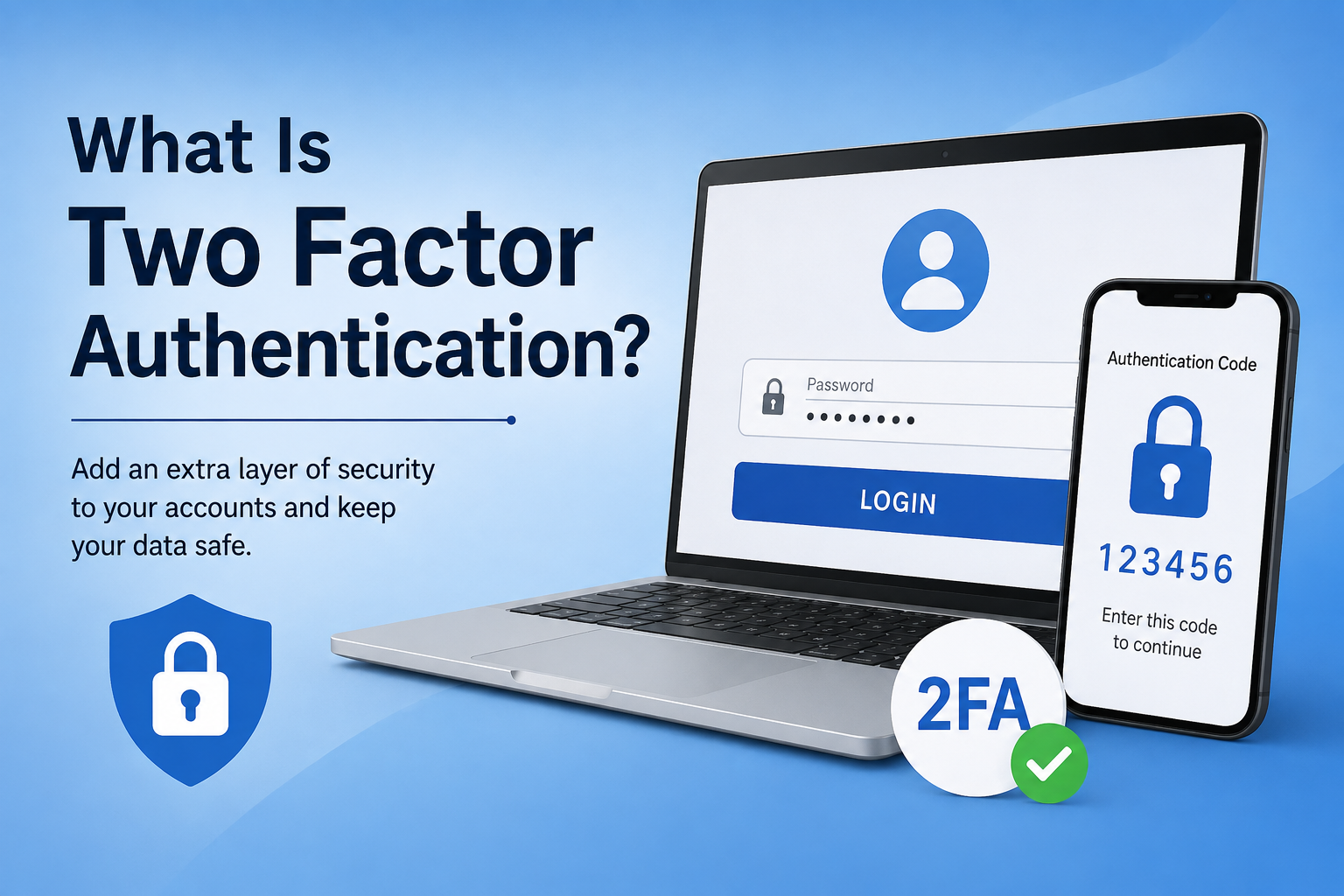
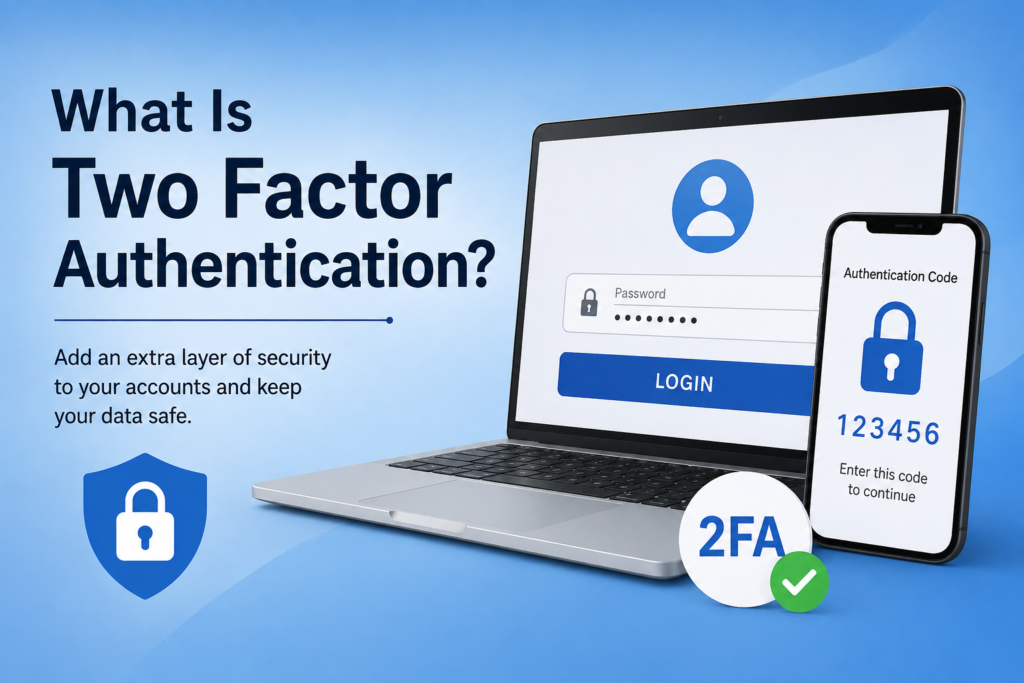
Two Factor Authentication is a security method that requires two different forms of verification before allowing someone to access an account.
Normally, we sign in by entering a username or email address and a password. With 2FA enabled, the website or application asks for one additional verification step after the password.
For example, I may enter my password to sign in to an account. After that, I may receive a verification code on my phone. I enter that code, and only then can I access my account.
This creates an additional security layer.
The basic idea is simple. A person should prove that they are the real account owner using more than just a password.
Why Is Two Factor Authentication Important?
I think passwords have become less reliable than many people realize. People often use simple passwords because they are easier to remember. Some people also use the same password on several websites.
This can create a serious security problem.
Imagine that I use the same password for my email, social media account, and another website. If that website suffers a data breach and my password becomes available to someone else, the attacker may try the same password on my other accounts.
Two Factor Authentication can reduce this risk.
Even if someone knows my password, they may still need access to my phone, authentication application, security key, or another verification method. This makes unauthorized access much more difficult.
For this reason, I recommend enabling 2FA on important accounts whenever the option is available.
How Does Two Factor Authentication Work?
The process is usually quite simple.
First, I enter my username or email address and password. The website checks whether the password is correct.
If the password is correct and Two Factor Authentication is enabled, the website asks for another form of verification.
This second step can be a code from an authentication application, a code sent through text message, a confirmation on another device, a security key, or sometimes biometric information.
After the second verification is successful, I am allowed to access the account.
The important thing is that the two steps are different types of proof. Knowing the password alone should not be enough.
The Main Types of Two Factor Authentication
There are several types of 2FA available today. Different websites and applications may offer different options.
Authentication Apps
Authentication applications are one of my preferred methods of Two Factor Authentication.
An authentication application generates temporary security codes. These codes usually change after a short period of time.
When I sign in to an account, I enter my password and then open the authentication application to see the current code.
This method can be more convenient than waiting for a text message, especially when mobile network service is weak.
Another advantage is that authentication applications can work without a traditional mobile signal in many cases.
Text Message Codes
Text message verification is another common form of 2FA.
After entering the password, the website sends a temporary code to the registered phone number. I then enter that code to complete the login process.
This method is easy to understand and convenient for beginners.
However, I would not consider text message verification the strongest available option. Phone numbers can sometimes be targeted through attacks such as SIM swapping.
If a stronger option such as an authentication application or security key is available, I generally prefer that option.
Security Keys
Security keys are physical devices that can be used to verify identity.
I can connect a security key to a computer or use it with a compatible device during the login process. The key provides proof that I have the physical security device.
Security keys can provide very strong protection against certain types of phishing attacks.
They may be especially useful for people who manage important business accounts, financial information, or other valuable online services.
Biometric Verification
Some services also use biometric verification as part of their security process.
This can include fingerprints, facial recognition, or other biometric methods.
For example, a device may ask me to confirm my identity using my fingerprint after I enter my password.
Biometric verification is convenient because I do not have to remember another code. However, availability depends on the device and service.
Is Two Factor Authentication the Same as a Password?
No, they are not the same.
A password is usually something that I know. Two Factor Authentication adds another form of verification to prove that I am actually the person trying to access the account.
Security systems often describe authentication factors using categories such as something I know, something I have, or something I am.
A password is something I know.
A phone, authentication application, or security key can represent something I have.
A fingerprint or face can represent something I am.
The goal of 2FA is to combine different types of verification.
What Happens If Someone Steals My Password?
This is one of the biggest reasons I use Two Factor Authentication.
If someone obtains my password, they may try to log in to my account. Without 2FA, the password could be enough to give them access.
With 2FA enabled, they may also need the second verification factor.
For example, they might know my password but not have access to my authentication application or security key.
This does not mean that 2FA makes an account completely impossible to attack. No security system can provide perfect protection. However, it can significantly improve account security.
Can Two Factor Authentication Be Hacked?
Two Factor Authentication is very useful, but I do not think anyone should treat it as magic protection.
Some types of 2FA are stronger than others.
For example, attackers may try to trick users into giving them verification codes through phishing messages or fake login pages. They may also attempt to convince someone to share a code over the phone.
This is why I never share my verification codes with other people.
If I receive a verification code when I am not trying to sign in, I treat it as a warning sign. Someone may be attempting to access my account.
I also avoid entering security codes into websites unless I am sure that I am using the genuine website or application.
What Should I Do If I Lose My Phone?
This is something people should think about before enabling 2FA.
If my authentication method is connected to my phone and I lose that phone, I could have trouble accessing my account.
For this reason, I always recommend checking whether the service provides backup codes or recovery options.
Backup codes should be stored somewhere secure. I should not leave them publicly visible or save them in an unsafe location.
Some services also allow users to add another trusted device or another authentication method.
Having a recovery plan can prevent a stressful situation later.
Should I Enable 2FA on Every Account?
I think it is especially important for accounts that contain sensitive information.
For example, I would prioritize my main email account, financial accounts, cloud storage, social media accounts, work accounts, and other services that contain personal information.
My email account is particularly important because it may be connected to password recovery for many other services.
If someone gets access to my email account, they may be able to reset passwords for other accounts.
That is why I believe protecting the main email account should be one of the first steps.
Tips for Using Two Factor Authentication Safely
There are a few simple habits that I follow when using 2FA.
First, I never share a verification code with another person. Legitimate support staff should not normally need me to reveal a temporary security code.
Second, I pay attention to unexpected login notifications. If I receive a code without trying to sign in, I investigate the situation instead of ignoring it.
Third, I keep backup codes in a secure place.
Fourth, I use strong and unique passwords along with 2FA. Two Factor Authentication should not be considered a replacement for a strong password.
Finally, I keep my phone, computer, and applications updated because security updates can fix known vulnerabilities.
Final Thoughts
In my opinion, Two Factor Authentication is one of the easiest ways to improve online security without making the login process extremely complicated.
A password provides useful protection, but passwords can be stolen, guessed, reused, or exposed through data breaches. Adding a second verification step gives my accounts another layer of protection.
I especially recommend enabling 2FA on important accounts such as email, banking, cloud storage, social media, and work accounts.
For me, the small amount of extra effort is worth it because losing access to an important account can cause much bigger problems.
Two Factor Authentication does not guarantee perfect security, but it can make unauthorized access much harder. When combined with strong unique passwords, careful browsing habits, updated devices, and awareness of phishing attempts, it becomes a powerful part of a good online security routine.
If I had to give one simple piece of advice about account security, it would be this: whenever a trusted service offers Two Factor Authentication, I would seriously consider turning it on.