I believe productivity is not about working for longer hours. It is about getting more useful work done in the time I have. Over the last few years, artificial intelligence has changed the way people work, study, plan tasks, and manage their daily responsibilities. I have found that the right AI tools can save a lot of time and make complicated tasks much easier.
There are now many AI productivity tools available, but not every tool is useful for everyone. Some are designed for writing, some help with meetings, while others are useful for research, planning, organization, or managing emails. In my experience, the best AI productivity tools are the ones that solve a real problem instead of simply adding another application to my daily routine.
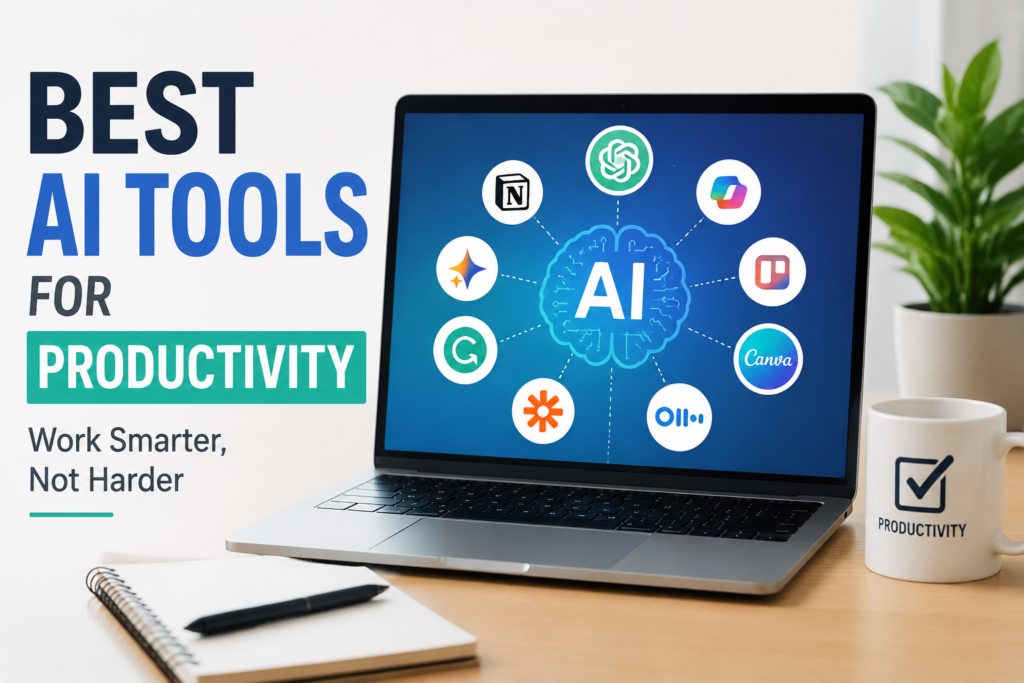
In this article, I want to share some of the best AI tools for productivity and explain how I think they can make everyday work easier.
ChatGPT
ChatGPT is one of the first AI tools I would recommend to anyone who wants to improve productivity. I use it for many different types of tasks because it can be useful in several situations.
For example, I can use ChatGPT to create ideas, write drafts, summarize information, explain difficult topics, create plans, improve emails, and organize my thoughts. Instead of spending a long time staring at a blank page, I can start with a simple question and use the response as a starting point.
I also find it useful when I am learning something new. If a topic feels complicated, I can ask for a simple explanation and then continue asking questions until I understand it better.
The important thing is that I do not treat AI as a replacement for my own thinking. I use it as an assistant that helps me work faster.
Microsoft Copilot
Microsoft Copilot is another useful option, especially for people who already use Microsoft products. It can help with tasks involving documents, presentations, spreadsheets, emails, and other forms of office work.
What I like about AI assistants connected to productivity software is that they can reduce the amount of repetitive work. Instead of spending too much time creating a basic draft or organizing information, I can use AI to get a starting point and then make my own changes.
For people who work with Microsoft applications regularly, Copilot can become a useful part of their daily workflow.
Google Gemini
Google Gemini is another AI assistant that I find useful for productivity. It can help with writing, brainstorming, research, planning, and answering questions.
One reason I consider Gemini useful is its connection with the Google ecosystem. Many people already use Gmail, Google Docs, Google Drive, and other Google services every day. AI features within this environment can make it easier to handle information and complete routine tasks.
I can also use Gemini when I need several ideas for a project. Instead of trying to think of everything myself, I can ask AI for different approaches and then choose the ideas that actually make sense for me.
Notion AI
Notion is already a popular tool for organizing notes and projects, and Notion AI makes it even more useful for productivity.
I like the idea of keeping notes, tasks, documents, and project information in one place. With AI features, I can summarize notes, improve written content, create ideas, and organize information more quickly.
For example, if I have a long meeting note, I can use AI to turn it into a shorter summary. If I have several ideas written in different places, I can organize them into a more structured plan.
For students, writers, freelancers, and people managing multiple projects, I think Notion AI can be especially helpful.
Grammarly
Writing takes a lot of time, especially when I want my emails, articles, or professional messages to sound clear. Grammarly can help improve the quality of writing by identifying grammar problems, spelling mistakes, unclear sentences, and other issues.
I find writing assistants useful because even when I understand what I want to say, I may not always express it in the clearest way. An AI writing assistant can help me notice problems that I might otherwise miss.
However, I prefer to use Grammarly as an editing assistant rather than allowing it to completely rewrite everything. My personal writing style is important, and I think AI should improve that style instead of removing it.
Canva AI
Canva is well known for graphic design, but its AI features make creating visual content easier for people who are not professional designers.
I can use Canva to create social media graphics, presentations, posters, blog images, and other visual content. AI features can help generate design ideas and speed up parts of the creative process.
For someone running a website or creating online content, this can save a considerable amount of time. I do not need to start every design from an empty page. I can begin with an idea, use available AI features, and then customize the result.
Trello With AI Features
Managing tasks can become difficult when I have many things to remember. Trello is useful because it provides a visual way to organize tasks and projects.
AI features can make this process easier by helping with task organization, descriptions, planning, and other repetitive activities.
I personally believe that productivity starts with knowing what needs to be done. A simple task management system can prevent me from wasting time deciding what to work on next.
Trello can be useful for personal projects as well as teamwork. I especially like the visual approach because I can quickly see what is pending, what is being worked on, and what has already been completed.
ClickUp
ClickUp is another productivity platform designed for managing tasks and projects. It offers features for teams as well as individuals.
AI can help users summarize information, create content, organize tasks, and save time on repetitive work.
For larger projects, having everything organized in one place can make a big difference. Instead of keeping information across many different applications, I can use a project management platform to keep tasks and related information together.
I think ClickUp is more suitable for people who need detailed project management features rather than someone who only wants a simple daily task list.
Otter AI
Meetings can consume a significant part of the working day. Otter AI is useful for people who want help with meeting transcription and summaries.
Instead of trying to write down every important sentence during a meeting, I can focus more on the actual conversation. AI can help create a record of what was discussed and make it easier to review important information later.
This can be especially helpful for students, employees, managers, researchers, and anyone who regularly attends online meetings.
For me, the biggest advantage is reducing the amount of information I have to remember manually.
Perplexity
When I need to research a topic, Perplexity can be a useful AI search and research assistant. It can provide answers and help point me toward sources that I can investigate further.
I think this type of tool is useful when I need to understand a topic quickly. Instead of opening many pages and trying to find the important information myself, I can begin with an AI generated overview.
However, I still believe that important information should be checked against reliable sources. AI can make mistakes, so I never think of an AI answer as automatically being correct.
Zapier
Zapier is particularly interesting for productivity because it can connect different applications and automate repetitive tasks.
For example, when one action happens in one application, another action can be triggered automatically in another application. This can reduce the amount of manual work involved in everyday processes.
I think automation is one of the most powerful ways to improve productivity. If I repeatedly perform the same simple task, I should consider whether technology can handle it for me.
How I Choose the Right AI Productivity Tool
With so many AI tools available, it is easy to install too many applications and actually become less productive. I believe the best approach is to start with a problem rather than starting with a tool.
First, I ask myself what is taking too much time. If writing is the problem, I might use an AI writing assistant. If organization is the problem, I might choose a project management tool. If meetings are taking too much time, an AI transcription tool may be more useful.
I also think about how often I will use the tool. There is no reason to pay for an expensive service if I only need it once a month.
Another important factor is privacy. Before putting personal, financial, business, or confidential information into an AI system, I think it is important to understand how the service handles data.
My Final Thoughts
AI productivity tools have become an important part of modern work. From writing and research to project management, meetings, design, and automation, AI can help reduce repetitive work and give us more time for tasks that actually require human judgment.
In my opinion, the best AI productivity tool is not necessarily the one with the most features. It is the tool that solves a problem I actually have.
I also believe that productivity should not become an excuse to fill every free minute with more work. The real benefit of AI is that it can help me complete certain tasks faster, giving me more time to focus on important projects, learning, creativity, and personal life.
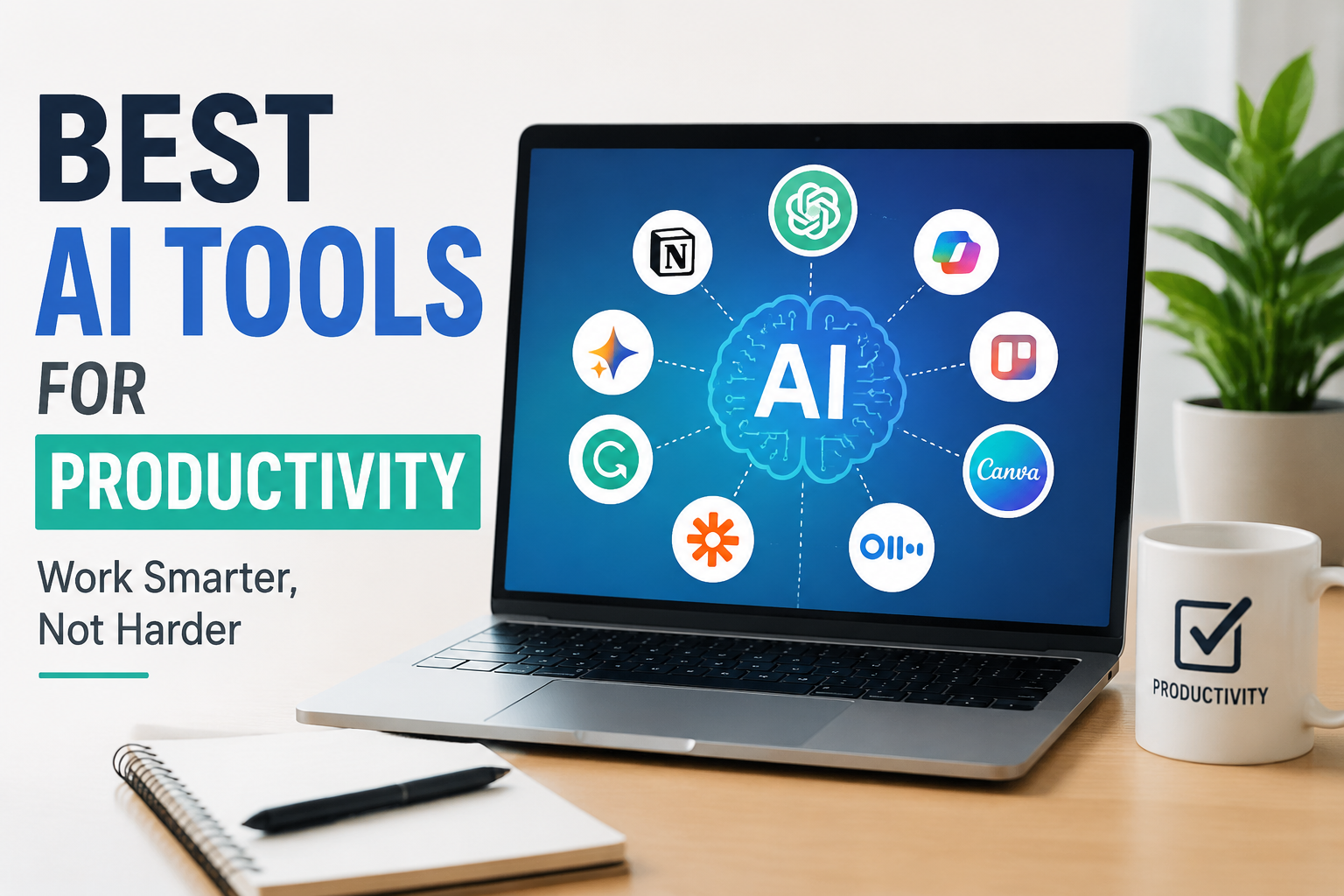
Tools such as ChatGPT, Microsoft Copilot, Google Gemini, Notion AI, Grammarly, Canva, Trello, ClickUp, Otter AI, Perplexity, and Zapier can all be useful in different situations. The key is learning how to use them properly.
For me, AI works best when I remain in control. I provide the direction, check the results, add my own experience, and make the final decisions. When used this way, AI is not simply another piece of technology. It becomes a practical assistant that can help me work smarter and manage my time more effectively.