Artificial intelligence has become a useful part of my daily work. Whether I am writing an article, researching an idea, learning something new, creating content, or trying to solve a problem, AI can save me a lot of time. But I have learned that the quality of the answer I get from AI often depends on the quality of the prompt I give it.
When I first started using AI tools, I used to type very short questions and expect perfect answers. Sometimes the results were useful, but many times they were too general or completely different from what I actually wanted. Over time, I realized that writing a good prompt is almost like explaining a task to another person. The clearer I explain what I need, the better the result becomes.
In this article, I will explain how I write better prompts for AI and what I have learned from using AI tools for different types of tasks.
What Is an AI Prompt?
An AI prompt is simply the instruction or question that you give to an artificial intelligence tool. It tells the AI what you want it to do.
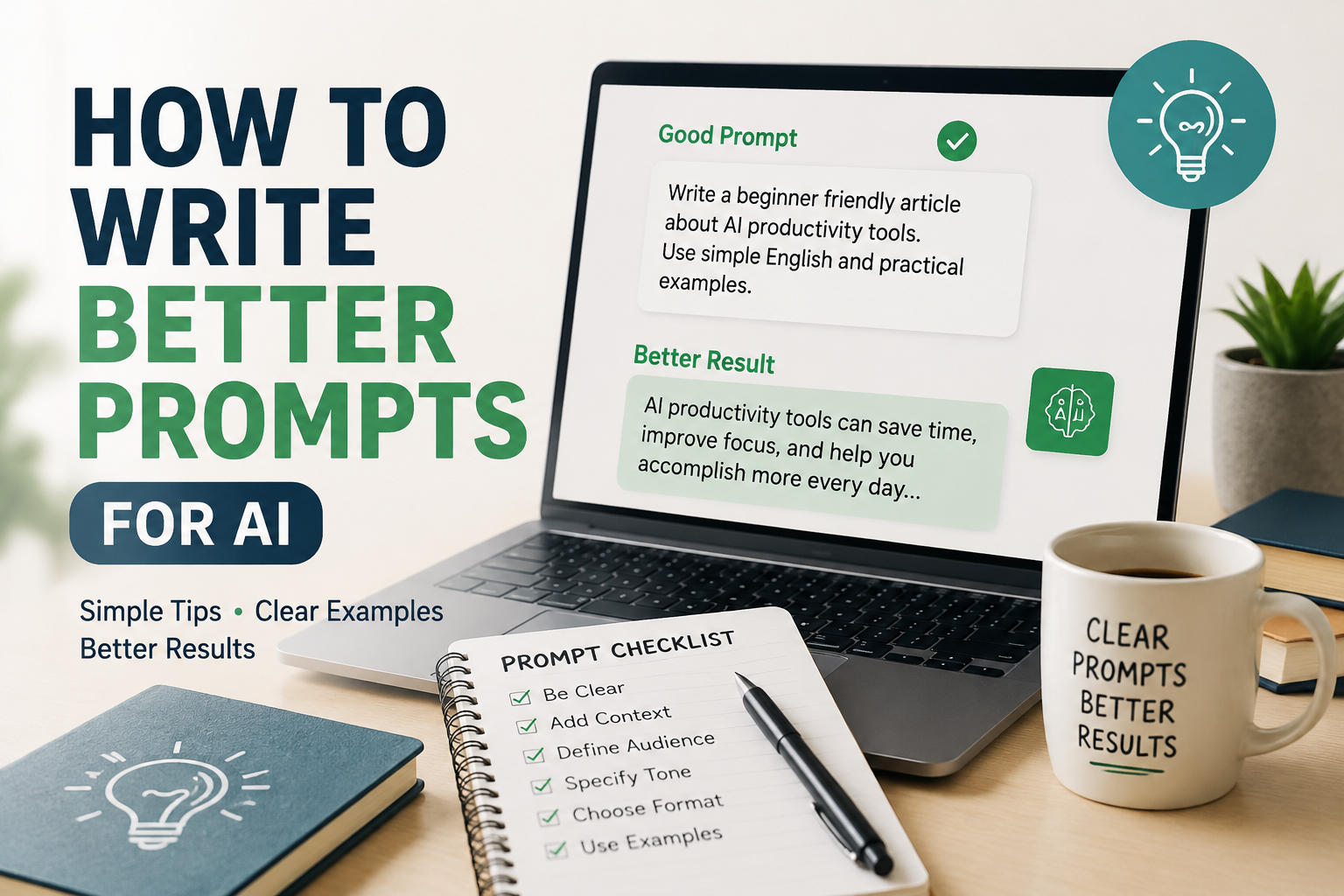
For example, instead of saying, “Write an article about technology,” I can give a much clearer instruction such as, “Write a beginner friendly article about useful technology tools for students. Use simple English, include practical examples, and make the article around 1300 words.”
Both prompts ask for writing, but the second one gives the AI much more information.
I think of a prompt as a conversation starter. If I provide enough useful information, AI has a better understanding of what I expect.
Be Clear About What You Want
The first thing I focus on when writing a prompt is clarity. I try not to make the AI guess what I mean.
If I want an article, I mention the exact topic. If I want an email, I explain who the email is for and what I want to say. If I want an explanation, I mention my knowledge level.
For example, instead of writing:
“Explain cybersecurity.”
I might write:
“Explain cybersecurity to a complete beginner using simple English. Explain why cybersecurity is important, give common examples of online threats, and provide basic safety tips.”
The second prompt is much more useful because it gives the AI a clear direction.
Give AI Some Context
Context is one of the most important parts of a good prompt. I have noticed that AI can produce a much better response when it understands the situation behind my request.
For example, if I ask:
“Write a social media post about my website.”
The AI does not know what my website is about, who my audience is, or what kind of post I want.
Instead, I can say:
“I run a technology website that publishes beginner friendly articles about Windows, AI, cybersecurity, and useful software. Write a short social media post that encourages readers to visit my latest article.”
Now the AI has enough background to create something more relevant.
Context does not need to be extremely long. I simply provide the information that can affect the answer.
Tell AI Who the Audience Is
Another useful technique I use is telling AI who will read or use the final result.
Writing for a beginner is very different from writing for an experienced professional. If I do not mention the audience, the AI may use words or concepts that are too complicated.
For example, I can write:
“Explain cloud computing for someone who has never used cloud services before.”
This tells the AI to keep the explanation simple.
If I am writing for professionals, I can provide different instructions such as:
“Explain cloud computing for IT professionals and include technical examples.”
The topic is the same, but the audience changes the way the answer should be written.
Specify the Tone
I also like to tell AI what kind of tone I want. This is especially important when I am creating content.
For example, I can ask for a professional tone, friendly tone, conversational tone, educational tone, or casual tone.
If I want content to sound like something I would naturally write, I might say:
“Write this in a natural and conversational style. Use simple English and make it sound like a real person sharing personal experience.”
This usually produces content that feels less robotic.
I believe tone is important because technically correct content can still feel boring if it does not match the intended audience.
Give Specific Instructions
One of the biggest mistakes I used to make was giving very general instructions. I would ask AI to write something and then become disappointed when the answer did not match my expectations.
Now I try to list the important requirements.
For example:
“Write a 1300 word article about AI productivity tools. Use simple English. Write for beginners. Include an introduction, several useful sections, practical examples, and a conclusion. Keep the tone natural and conversational.”
This gives AI a structure to follow.
Specific instructions are especially useful when I have a particular format in mind.
Ask for a Specific Format
AI can create information in many different formats. I can ask for paragraphs, tables, lists, step by step instructions, FAQs, outlines, emails, scripts, or social media posts.
For example, if I want a comparison, I might say:
“Compare these two AI tools based on features, ease of use, pricing, advantages, and limitations.”
If I want a learning guide, I might say:
“Create a step by step beginner guide with simple explanations and examples.”
The more specific the format, the easier it is for AI to organize the information.
Use Examples in Your Prompts
Examples can make a prompt much stronger. When I show AI what I mean, it has a better idea of the style or format I want.
For example, if I want short product descriptions, I can provide one sample description and ask AI to create similar descriptions for other products.
I can also provide an example of the tone I like.
For instance:
“Use a style similar to this example. Keep the sentences short, friendly, and easy to understand.”
I have found this especially helpful when I want consistency across multiple pieces of content.
Break Large Tasks Into Smaller Tasks
Sometimes I want AI to complete a large project. Instead of asking it to do everything at once, I prefer breaking the task into smaller steps.
For example, if I want to write a detailed article, I can first ask AI to generate topic ideas. Then I can ask for an outline. After that, I can develop each section and finally work on the introduction and conclusion.
This approach gives me more control.
It also makes it easier to correct mistakes. If something in the outline does not look right, I can change it before spending time developing the entire article.
Ask AI to Improve Its Own Answer
One of my favorite techniques is asking AI to review or improve its previous response.
For example, after receiving an article, I might ask:
“Review this article for clarity, repetition, grammar, and unnecessary sections. Suggest improvements while keeping the original meaning.”
I can also ask:
“Make this explanation easier for beginners without removing important information.”
This turns the interaction into a process instead of expecting the first response to be perfect.
I think this is one of the biggest advantages of working with AI. I do not have to accept the first answer. I can continue the conversation and refine the result.
Avoid Putting Too Many Unrelated Instructions Together
Although detailed prompts are useful, I have learned that adding too many unrelated requirements can make a prompt confusing.
If I ask AI to write an article, create a marketing strategy, analyze a spreadsheet, and prepare a presentation in one prompt, the response may not be as useful as I expect.
I prefer to separate complicated tasks.
For example, I might first ask AI to analyze the information. Then I ask it to turn that analysis into an article. Finally, I can ask it to create promotional content.
Breaking the process into stages usually gives me better control.
Use Follow Up Prompts
A good AI conversation does not always end after the first answer.
If something is unclear, I ask a follow up question. If I want more examples, I ask for them. If I want a simpler explanation, I say so.
For example:
“Explain the third point with a real world example.”
Or:
“Rewrite this section using simpler English.”
These short follow up prompts can improve the final result without requiring me to create a completely new prompt.
Tell AI What to Avoid
Sometimes telling AI what not to do is just as useful as telling it what to do.
For example, I can say:
“Do not use complicated technical terms.”
Or:
“Avoid unnecessary repetition and keep the explanation focused.”
If I am creating an article, I can specify that I do not want an overly promotional style.
This helps reduce unwanted content and keeps the answer closer to my expectations.
Check AI Generated Information
Even when I write a very good prompt, I do not assume that every answer from AI is automatically correct. AI can sometimes misunderstand a question or provide outdated or inaccurate information.
For important topics, I verify facts using reliable sources. This is especially important for subjects involving technology specifications, financial information, legal matters, medical information, or current events.
For me, AI works best as an assistant rather than something I blindly trust.
A Simple Formula for Better Prompts
When I am unsure how to write a prompt, I use a simple structure.
I explain the task first. Then I provide context. After that, I mention the audience, tone, format, and important requirements.
A basic prompt can look like this:
“Act as a helpful technology writer. Write a beginner friendly article about AI productivity tools. The audience is people who are new to AI. Use simple English and a natural conversational tone. Include practical examples and explain how each tool can help with everyday tasks.”
This structure gives AI a clear job and enough information to produce a useful response.
My Final Thoughts
Learning how to write better prompts has changed the way I use AI. I no longer think of AI as a tool where I simply type one question and wait for a perfect answer. I treat it more like an assistant that needs clear instructions.
The most important lesson I have learned is that better prompts usually lead to better results. I try to be clear, provide context, explain my audience, choose the right tone, specify the format, and give examples when necessary.
I also remember that the first answer does not have to be the final answer. I can ask AI to improve, simplify, expand, reorganize, or correct its response.
The good thing is that writing better prompts does not require technical knowledge. Anyone can learn it with practice. The more I use AI and experiment with different instructions, the better I become at communicating with it.
In my opinion, prompt writing is becoming an important digital skill. AI tools are becoming more powerful every day, but the person using them still needs to know what they actually want. A clear idea combined with a clear prompt can turn a basic AI response into something genuinely useful.
So, if your AI results are not giving you what you expect, I would not immediately blame the tool. First, look at your prompt. Add more context, explain your goal, provide useful details, and tell AI exactly what you need. In many cases, a small improvement in the prompt can make a surprisingly big difference.