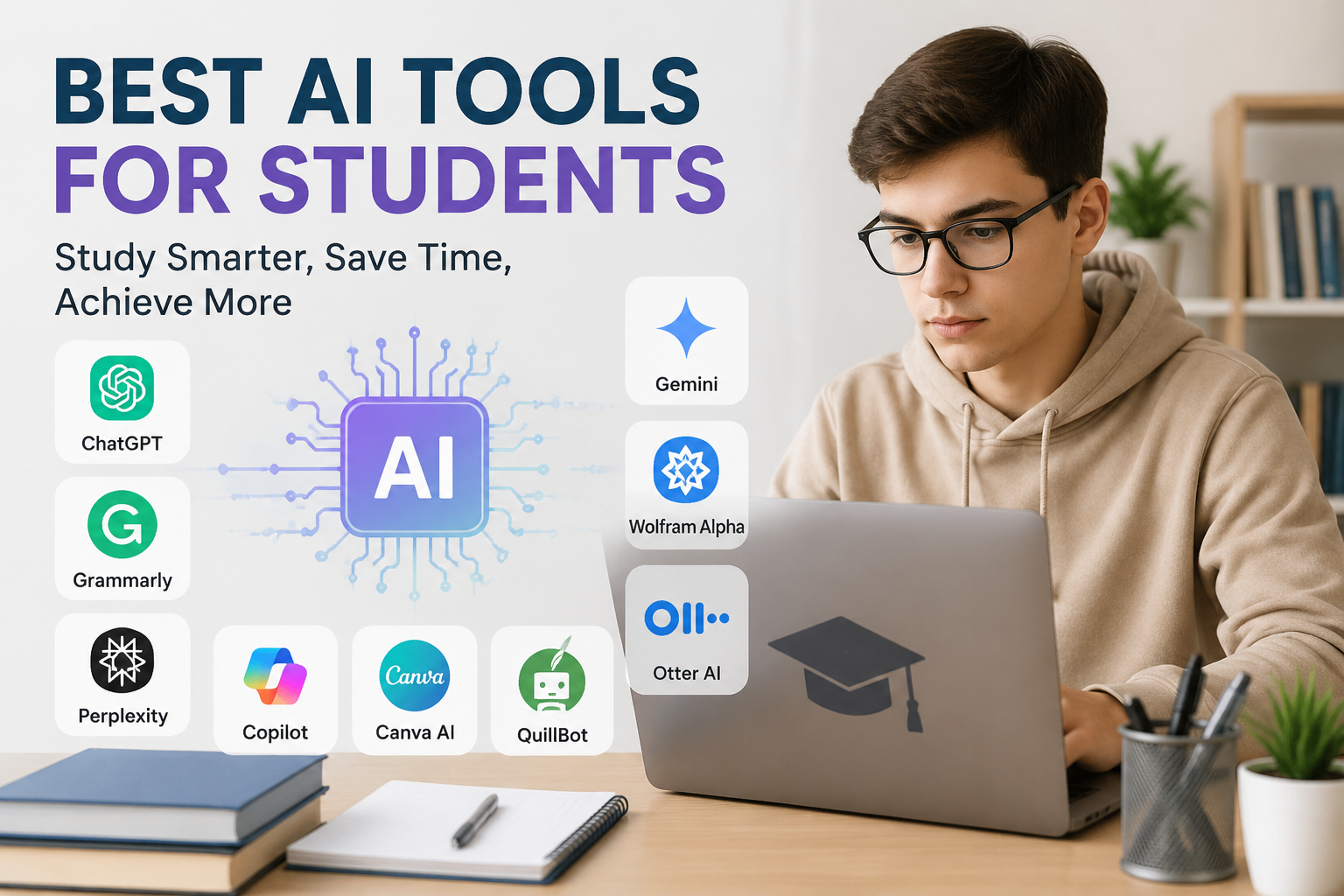
Artificial intelligence has become a useful part of modern education. As a student, I have seen how difficult it can be to manage classes, assignments, research, notes, presentations, and exams at the same time. This is where AI tools can make student life easier. When used correctly, they can save time, explain difficult topics, improve writing, and help students organize their studies.
I do not think AI should replace a student’s own effort. Instead, I see it as a study assistant. It can help me understand a topic that I find confusing, give me ideas when I am stuck, or help me organize information before I start working on an assignment.
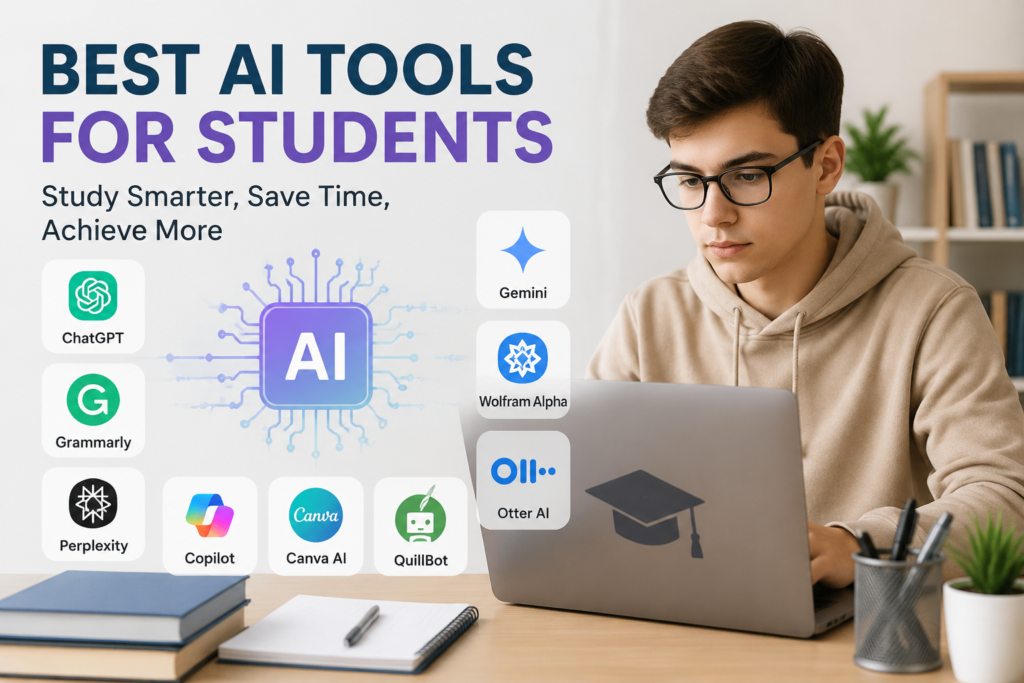
There are many AI tools available today, but not every tool is equally useful for students. In this article, I will share some of the best AI tools that students can use for learning, research, writing, productivity, and everyday academic tasks.
1. ChatGPT
ChatGPT is one of the most useful AI tools I would recommend to students. I can use it for many different study related tasks, which makes it more flexible than many specialized tools.
For example, if I do not understand a complicated subject, I can ask ChatGPT to explain it in simple language. I can also ask for examples, practice questions, summaries, or step by step explanations.
One thing I particularly like is that I can continue asking questions. If the first explanation is still difficult, I can ask for an easier explanation.
Students can also use ChatGPT to brainstorm ideas for essays, create study plans, prepare questions for exams, and practice interviews.
However, I believe students should use it as a learning assistant rather than simply copying its answers. Understanding the material is much more important than completing an assignment quickly.
2. Google Gemini
Google Gemini is another powerful AI tool that students can use for learning and research. It can answer questions, explain concepts, summarize information, and help generate ideas.
I find tools like Gemini particularly useful when I want to explore a subject from different angles. For example, I can ask it to explain a scientific concept for a beginner and then ask for a more advanced explanation.
Gemini can also be helpful for brainstorming project ideas and preparing presentations. Students who already use Google’s ecosystem may find it convenient because of its connection with various Google services and workflows.
As with every AI tool, I would still recommend checking important information against reliable sources, especially for academic work.
3. Microsoft Copilot
Microsoft Copilot can be useful for students who regularly work with Microsoft applications. It can assist with writing, brainstorming, summarizing, and other productivity tasks.
For me, one of the biggest benefits of an AI assistant is reducing the time spent on repetitive work. Instead of staring at a blank page and wondering how to begin, I can use AI to generate some starting ideas and then develop them in my own words.
Copilot can also help students improve the structure of their work. For example, I can ask it to suggest an outline for a presentation or organize several ideas into logical sections.
The final work should still reflect my own understanding and effort.
4. Grammarly
Grammarly is especially useful for students who want to improve their writing. Writing an essay is not only about having good ideas. Grammar, spelling, sentence structure, and clarity also matter.
I can use Grammarly to identify common writing mistakes and improve sentences. This is particularly helpful when English is not my first language.
What I like about writing assistance tools is that they can help me notice mistakes I might normally miss. Over time, this can also improve my understanding of good writing.
Students can use Grammarly when preparing essays, emails, reports, applications, and other academic documents.
I would recommend using it as a learning tool rather than allowing it to completely rewrite everything.
5. QuillBot
QuillBot is another popular AI writing tool that can help students improve and rewrite text. It can be useful when I want to make a sentence clearer or find another way to express an idea.
Sometimes I know what I want to say but cannot find the right words. A tool like QuillBot can provide alternative wording that gives me a starting point.
It can also be useful for summarizing longer pieces of information. This can save time when reviewing study material.
However, I think students should always understand the original information before rewriting or summarizing it. Changing words without understanding the meaning does not really improve learning.
6. Perplexity
Perplexity is an AI powered search and research tool that I find useful when I want to explore a topic quickly.
Traditional search engines usually provide a list of websites. AI research tools can instead provide a more direct explanation while also pointing users toward sources.
For students, this can make the early stage of research more convenient. If I am starting a project and need to understand the background of a topic, I can use an AI search tool to get an overview.
The important thing is not to stop there. For serious academic research, I would still open the original sources and verify the information myself.
7. NotebookLM
NotebookLM is an interesting AI tool for students because it can work with study materials and provided sources.
Instead of asking an AI about a completely general topic, I can provide relevant documents and use the tool to help me understand them.
This can be useful when studying from lecture notes, documents, research material, or other sources. I can use AI to summarize information, identify important points, and generate questions based on my materials.
For students preparing for exams, this type of tool can make large amounts of reading material easier to review.
I think this is one of the better ways to use AI because the focus remains on the student’s own study material.
8. Canva AI
Students often need to create presentations, posters, diagrams, and other visual projects. Canva can make this process much easier, especially with its AI powered features.
I can use Canva to create a presentation structure, generate design ideas, and improve the visual appearance of a project.
A good presentation is not only about putting lots of text on slides. Visual organization is also important. Canva can help students create cleaner and more professional looking academic projects.
I would still recommend keeping presentations simple. Adding too many AI generated elements can make a project look distracting rather than impressive.
9. Wolfram Alpha
For students studying mathematics, science, engineering, or related subjects, Wolfram Alpha can be extremely useful.
It can help with mathematical calculations, equations, graphs, and technical problems. Instead of only giving me a final number, it can help me understand the process behind certain calculations.
I believe this is important because mathematics becomes much easier when I understand why an answer is correct.
Students should avoid using mathematical AI tools simply to get homework answers. Working through problems independently first can make these tools much more useful for checking understanding.
10. Otter AI
Taking notes during lectures can be difficult. Sometimes a teacher is explaining something while I am still trying to write down the previous point.
AI transcription tools such as Otter can help turn spoken information into written notes.
This can be useful for reviewing lectures later. Instead of depending completely on handwritten notes, I can revisit the transcript and identify important points.
However, students should follow their school’s or institution’s rules regarding recording lectures and obtaining permission when required.
How I Think Students Should Use AI
In my opinion, the biggest mistake students can make is depending too heavily on AI.
AI can produce impressive answers, but that does not mean every answer is correct. It can sometimes misunderstand a question, provide outdated information, or make an incorrect statement sound convincing.
I prefer to use AI in three stages.
First, I use it to understand a topic. If something is confusing, I ask for a simpler explanation.
Second, I use it to organize my thoughts. This might include creating an outline, study schedule, or list of important questions.
Third, I use it to review my own work. AI can help me find grammar problems, unclear sentences, or areas that need more explanation.
This approach allows me to remain responsible for my learning.
Benefits of AI Tools for Students
There are several advantages to using AI responsibly.
The first benefit is time. AI can help with repetitive tasks and allow students to focus more on actual learning.
The second benefit is personalized explanations. Every student learns differently. AI can explain the same idea in several ways.
The third benefit is accessibility. Students can use AI at different times and ask questions without feeling embarrassed about not understanding something.
Another advantage is organization. AI can help create study schedules, summarize notes, and turn large topics into smaller sections.
Things Students Should Avoid
Although AI is useful, students should be careful.
I would never recommend submitting AI generated content as completely original work when an educational institution requires independent writing. Academic honesty is important.
Students should also avoid trusting AI without checking important facts. For research assignments, reliable books, academic papers, university resources, and trusted websites should remain important sources.
Privacy is another consideration. I would avoid entering sensitive personal information, private documents, passwords, or confidential academic material into AI services without understanding how that information is handled.
Final Thoughts
AI tools can be extremely helpful for students when they are used properly. From ChatGPT and Gemini to Grammarly, Perplexity, NotebookLM, Canva, and Wolfram Alpha, there are now tools available for almost every part of student life.
Personally, I think the best way to use AI is as a study partner rather than a shortcut. It can explain difficult concepts, help organize ideas, improve writing, and make studying more convenient. But the responsibility for learning should always remain with the student.
If I use AI to understand more instead of doing less, it becomes a powerful educational resource. The goal should not be to let AI do everything. The goal should be to use AI to become a better, more organized, and more confident student.